
- Longest wait
- 64 min
- Waiting over an hour
- 1
- RVUs read
- 3.4
- Dr. Stein0.9 RVUs
- Dr. Moreno1.4 RVUs
- Dr. Brandt1.1 RVUs
Waiting now · 11
- CTA64m
- CT50m
- CTA43m
- CT39m
- CTA32m
- CT28m
- CTA21m
- CT18m
- CTA8m
- CT6m
- CTA2m
Workflow orchestration · CIVIE Universal Worklist
Bring reading work from your connected sites into one view. Sort study queues by your team's priorities, then open image review and reporting straight from the selected exam.
Workflow orchestration
Unified multi-site reading
Studies from every site arrive in CIVIE PACS, matched to their orders, and land in one queue, ranked by AI triage score, then time left on the SLA.
Illustrative queue and scores. CIVIE AI ranks studies and shows its reasons; your rules decide who reads them.
Intelligent study routing
Administrators build rules from subspecialty, site, client, priority, patient class, licensure and reader preference, and balance them by open RVUs. Change them the same day the contract changes.
Open the study
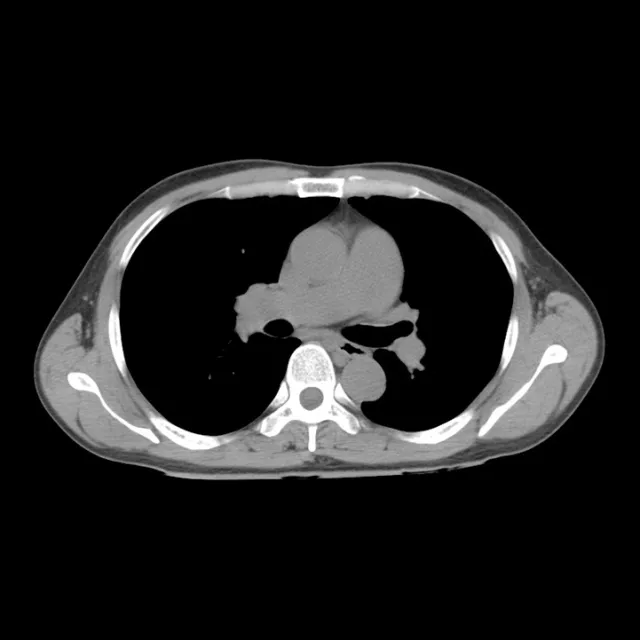
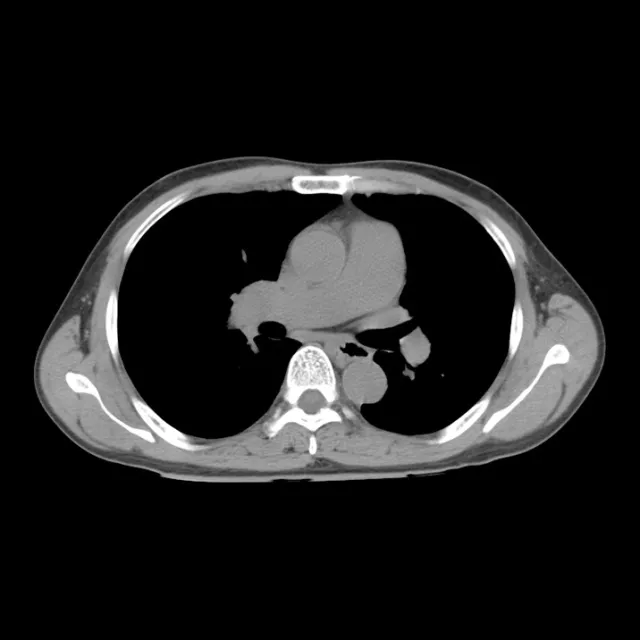
Select a study and the viewer and the report open together, with the priors loaded, the history from the order and the template in place.
Her row on the worklist, ranked and assigned.
Workload and SLA management
Balance workloads across your reading team with intelligent study assignment based on availability, subspecialty, and open workload. Reduce uneven distributions, minimize unnecessary delays, and improve visibility into reading capacity.
Waiting now · 11
Waiting now · 16
Illustrative morning: the same sample studies, run both ways in a simple simulation. Not a customer measurement.
Workload and SLA management
Set SLAs per client, site, modality and patient class, such as STAT emergency or routine outpatient. You decide when a study warns, who it escalates to and when it moves to another eligible reader.
Dr. Stein’s list09:59
Example settings, per client
Around the list
Technologists, referrers, reviewers and the readers on shift see the same studies, so the hand-offs around a read happen where the read happens.
Technologists
Techs have their own list: they correct orders, add history, flag missing series and send feedback. A study reaches a reader once QA is cleared.

Referrers
Phone, video or secure chat from the study on the worklist, with the care team and on-call radiologists in the address book.
Quality
Random and rule-based reviews assigned from the worklist and followed to completion.
Coverage
Pin lists by subspecialty, site or client, and share coverage lists with the readers on that shift.
Critical results
Critical and incidental findings are flagged from the reading workflow and routed by your escalation tree, and every notification is recorded on the study.
Any PACS
Studies from a site’s own PACS open in that site’s viewer from the same row, with the report beside them.
SLA scorecard
See SLA performance by site, modality and patient class before a client asks, and open any cell to see the days behind it.
95%+90–94%85–89%Under 85%
Illustrative figures for the sample sites. Thresholds, windows and the clients they apply to are yours.
How it connects
On the CIVIE platform, the worklist shares one record with PACS, RIS, reporting and analytics. Next to the systems you keep, it speaks DICOM and HL7.
Whole platform: Universal Worklist exchanges data both ways with Each site's PACS (DICOM), CIVIE PACS (Same study), EHR (HL7 orders), CIVIE RIS (Same order), CIVIE ASR (Same study), Analytics & Insights (Same record).
FAQ
Yes. It brings studies from each site's systems into one queue over DICOM and HL7, so radiologists read from one list whatever PACS a hospital or imaging center runs.
Next steps
Tell us the sites, PACS and SLAs you read for. We’ll show the Universal Worklist with your own rules, from the first study to the next.